Are you finding it difficult to understand why your cloud bills keep increasing even though your application’s usage remains stable? Do you struggle to balance resource allocation, worried that overprovisioning wastes money while underprovisioning affects performance? With so many cloud options available, choosing the most cost-effective setup for your application can feel overwhelming. If these challenges sound familiar, you are not alone. In this article, we will explore practical strategies for cloud cost optimization, helping you take control of your expenses and make informed decisions for your business.
At Mallow, as an AWS partner with certified engineers, we have a strong track record in optimizing cloud costs for our clients. With more than 10 years of DevOps experience, our team has helped businesses reduce cloud expenses by over 40 percent, saving more than $25,000 per month across different projects. We specialize in cost reduction and rightsizing across major cloud platforms, ensuring our clients get the best value from their cloud infrastructure. This has helped them reduce costs while improving the efficiency and scalability of their applications.
By the end of this article, you will have a clear understanding of the factors that influence your cloud bill and the strategies you can use to optimize it. With the right approach, you can achieve a 10 to 30 percent reduction in your overall cloud expenses. This guide will equip you with the knowledge to manage your cloud costs effectively, ensuring you get maximum value while improving your application’s performance.
What is cloud cost optimisation?
Cloud cost optimization is all about managing and reducing expenses associated with cloud services to ensure maximum value. As more businesses transition to the cloud, controlling these costs has become increasingly important. According to IDC, worldwide spending on public cloud services is forecast to reach $805 billion in 2024 and is expected to double in size by 2028, underscoring the need for efficient cost management. Effectively managing cloud costs can significantly impact your company’s budget and overall success, helping you maximize the value of your cloud investments while maintaining control over expenses.
Why cloud cost optimisation is becoming a business priority
In the early stages of cloud adoption, many businesses focus primarily on scalability and speed. However, as applications grow and usage patterns stabilize, costs can spiral out of control if left unchecked. What starts as a cost-saving initiative can quickly become an operational burden without proper governance.
Cloud cost optimisation isn’t just about cutting expenses; it’s about aligning your infrastructure spending with actual business value. By monitoring utilization trends, implementing intelligent resource management, and designing cost-aware architectures, companies can transform their cloud strategy from a cost center into a competitive advantage.
A well-optimised cloud environment allows your business to reinvest saved resources into innovation, product improvements, and user experience, ultimately driving long-term sustainability and profitability.
Common challenges businesses face with cloud cost management
Even seasoned teams can struggle to manage cloud costs effectively. Some of the most common issues include:
1. Lack of visibility: Many organizations fail to set up cost allocation tags or detailed reports early, leading to poor understanding of where money is spent.
2. Overprovisioning: Teams often allocate excess capacity “just in case,” resulting in wasted compute and storage resources.
3. Unused resources: Idle instances, unattached storage volumes, and outdated snapshots silently inflate monthly bills.
4. Misaligned pricing models: Relying solely on on-demand pricing rather than a balanced mix of Reserved, Spot, and Savings Plans increases spend unnecessarily.
5. Fragmented governance: Without centralized monitoring and alerts, it’s easy for costs to slip through unnoticed across multiple projects or accounts.
Addressing these challenges requires not only technical tools but also a well-defined process for ongoing optimization and accountability.
Understanding your cloud computing bill
Understanding your cloud bill is essential for effective cost management. The main components usually include compute resources, storage, and network bandwidth. Compute costs depend on the virtual machines or serverless functions you use. Storage costs are based on how much data you store and the type of storage selected. Network bandwidth charges are influenced by the volume of data transferred. To reduce data transfer fees, design your cloud architecture to limit unnecessary data movement. Keeping data processing and storage within the same region helps avoid cross-region charges. You can also use data compression to reduce data volume and content delivery networks (CDNs) to cache and distribute content closer to users.
To gain deeper insights into your spending, cost allocation tags can be extremely helpful. These tags categorize expenses by project, team, or application, giving you a clearer picture of where your money is going. Major cloud providers offer tools for detailed cost analysis, including AWS Cost Explorer, Azure Cost Management and Billing, and Google Cloud Billing. These tools provide visual reports and alerts that make it easier to track and optimize your costs. AWS also offers the Well-Architected Framework Cost Optimization Pillar, which guides you on building cloud environments that maximize value while minimizing cost through continuous monitoring, rightsizing, and usage-based pricing.
What strategies can help you achieve cloud cost optimisation?
Review your cloud billing information and set budgets
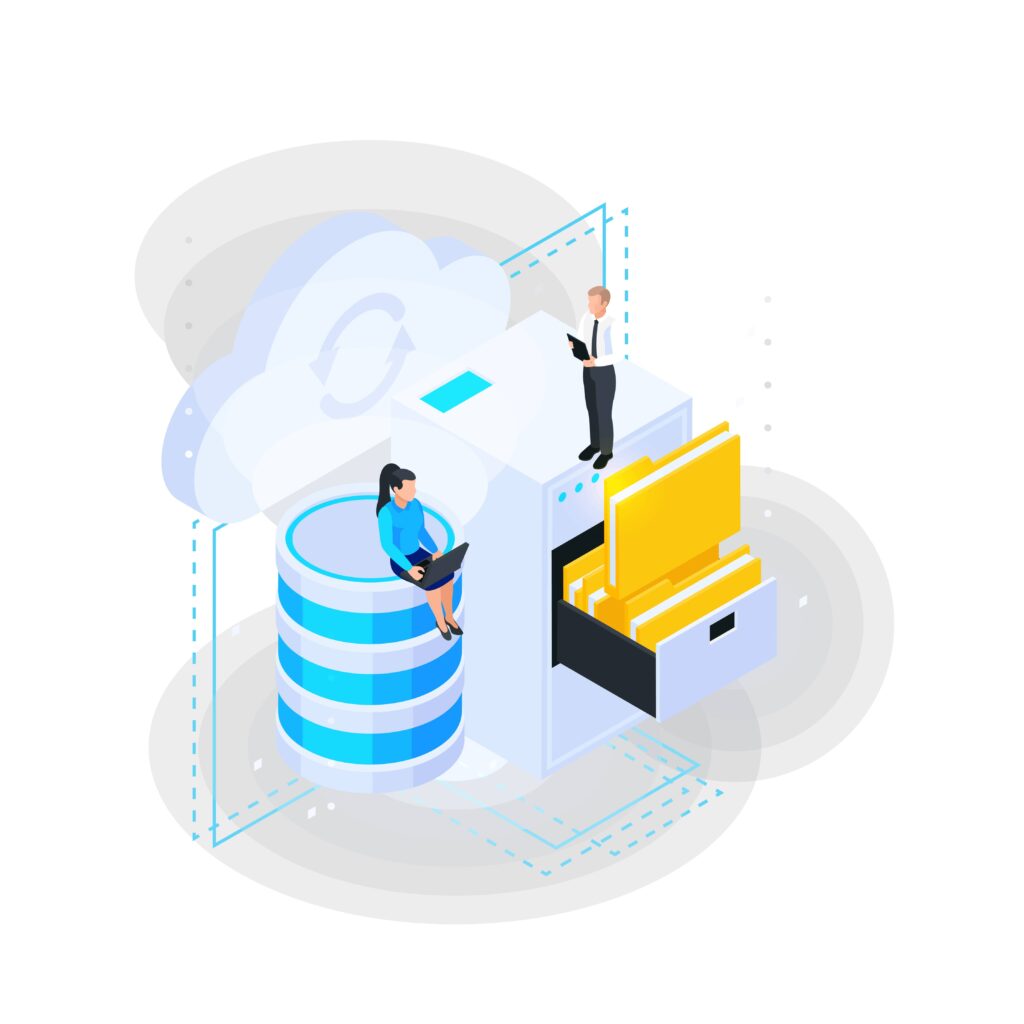
To achieve effective cloud cost optimization, it’s crucial to thoroughly review your pricing and billing information and set up budgets. This involves several technical steps and actionable strategies:
- Analyze detailed billing reports – Start by diving into the detailed billing reports provided by your cloud provider. Tools like AWS Cost Explorer, Azure Cost Management, and Google Cloud Billing offer granular insights into your usage and spending. Look for patterns in your spending, such as spikes in usage or unexpected charges. Pay attention to specific services and resources that contribute the most to your costs.
- Utilize cost allocation tags – Implement cost allocation tags to categorize your cloud resources. Tags allow you to break down your billing data by projects, departments, or applications. For instance, in AWS, you can use tags to track costs associated with specific teams or projects, helping you identify and allocate costs more accurately.
- Set up custom alerts and notifications – Configure alerts and notifications based on your spending thresholds. AWS Budgets, Azure Cost Alerts, and Google Cloud Budgets allow you to set limits and receive notifications when your spending approaches or exceeds these limits. This proactive approach helps prevent unexpected charges and keeps you informed about your budget status.
- Create and monitor budgets – Establish budgets for different teams or projects based on historical data and anticipated usage. Regularly review and adjust these budgets to reflect changes in your cloud usage patterns. Use budget reports and forecasting tools to predict future spending and make informed decisions about resource allocation.
- Regularly review reserved instances and savings plans – Evaluate your use of Reserved Instances (RIs) and Savings Plans to ensure you’re taking full advantage of cost-saving options. Analyze your usage patterns to determine if switching from on-demand pricing to reserved or committed usage would offer significant savings. Adjust your reservations as needed based on changing requirements.
- Identify and eliminate unused – Uncover idle resources through regular audits and cloud provider tools like AWS Trusted Advisor, Azure Advisor, and Google Cloud’s Recommender. Leverage automated alerts and scheduling to proactively manage usage. Analyze storage volumes for unused data and implement lifecycle policies for efficient storage management. By systematically identifying and eliminating idle resources, you can significantly reduce unnecessary cloud spending. A 2024 CloudZero study revealed that over 35% of cloud spend is typically wasted, often due to underutilized or idle resources that go unnoticed without proactive management
- Rightsize your resources – Align resource capacity with actual demand by analysing performance metrics and identifying over or under-provisioned resources. Implement auto-scaling and load balancing to adjust capacity dynamically based on workload fluctuations. Consider cost-effective alternatives like spot instances for flexible workloads and reserved instances for long-term commitments. Continuous monitoring and optimisation are essential to ensure that your resource allocation remains aligned with your evolving application needs.
- Continuous optimisation – Regularly review your cloud environment to identify cost-saving opportunities. Stay updated on cloud provider tools, pricing models, and best practices. Implement cost optimization strategies like rightsizing,reservation purchasing, and demand forecasting. By adopting a proactive approach to cost management, you can achieve sustainable cost reductions and maximize your cloud investment.
Use reserved instances
Using Reserved Instances (RIs) is an effective way to reduce cloud costs because it allows you to secure lower pricing by committing to long-term usage of specific resources.
To use RIs wisely, start by analyzing your workloads in detail. Identify resources that consistently run at high utilization, such as database servers or web servers during peak hours. These stable workloads are ideal candidates for RIs. Cloud provider cost optimization tools can also help you find underutilized resources that may need to be downsized or repurposed before you commit to an RI.
When choosing an RI type, consider how flexible your workloads need to be. Standard RIs offer the highest savings for predictable, long-term workloads. If your requirements may change over time, Convertible RIs provide more flexibility by allowing you to modify instance families or sizes. Weigh the balance between upfront payment and long-term savings to decide which option suits your needs best.
Ongoing monitoring is essential. Use cloud monitoring tools to track how well your RIs are being used and to identify areas for improvement. If certain instances are regularly underutilized, explore options to modify or exchange the RIs. You can also rightsize your instances to ensure they match your actual workload and deliver maximum value from your RI investment.
Leverage spot instances
Leveraging Spot Instances can greatly reduce your cloud costs by using unused capacity offered at a much lower price than standard on-demand instances. To use them effectively, it is important to understand how they work. Spot Instances provide discounted compute capacity, but they can be terminated at short notice when the cloud provider needs the resources back.
Begin by identifying workloads that can handle interruptions. Spot Instances are well suited for batch processing, data analysis, and other flexible tasks that do not require constant availability. To reduce the impact of interruptions, combine Spot Instances with on-demand or Reserved Instances so your critical workloads remain stable. You can also use auto scaling groups that include Spot Instances, allowing the system to automatically replace terminated instances and maintain the required capacity.
Review your Spot Instance approach regularly. Monitor performance data and cost savings to evaluate how well your strategy is working. Analyze past usage and cost reports to refine your setup. Cloud provider tools can help you track interruption patterns and make adjustments that balance cost efficiency with workload reliability.
Automation: The backbone of sustainable cloud cost optimisation
Automation plays a pivotal role in maintaining cloud cost efficiency. Manual monitoring cannot keep pace with dynamic workloads, especially in large-scale environments.
By automating key processes such as scaling resources based on demand, shutting down idle instances, or scheduling non-production workloads, you can ensure your application consistently uses resources efficiently.
Services like AWS Auto Scaling, Azure Automation, or Google Cloud Scheduler enable you to implement intelligent policies that adjust compute and storage resources in real time. Combined with infrastructure-as-code tools such as Terraform or AWS CloudFormation, automation ensures cost optimisation becomes a continuous, built-in function of your deployment pipeline rather than an afterthought.
Measuring the success of your cloud cost optimisation efforts
It’s not enough to implement cost optimisation strategies; you also need to measure their impact. Establishing measurable KPIs helps validate whether your efforts are delivering real value.
Key metrics to track include:
Cost per workload or user: Understand how efficiently each application or service operates.
Resource utilization rates: Identify how effectively you’re using provisioned compute and storage.
Percentage of automated scaling: Measure how much of your environment dynamically adjusts to demand.
Savings achieved from RIs and Spot Instances: Quantify tangible reductions in your monthly bills.
Budget adherence: Track how consistently teams operate within defined budget thresholds.
Regular reviews using dashboards from AWS Cost Explorer or third-party tools like CloudHealth can provide visibility into trends and optimization impact, ensuring continuous improvement.
How DevOps companies enhance your application development?
Optimizing cloud costs is an ongoing process that requires careful planning and smart execution. By applying the strategies discussed in this article, such as rightsizing resources, using Reserved Instances, automating cost controls, and leveraging monitoring tools, you can achieve meaningful savings while still maintaining strong performance and scalability.
To get the most from these strategies, it helps to work with experienced cloud professionals. A skilled cloud partner can provide technical expertise and share proven best practices for cost management, scalability, and long-term growth. This support ensures that your cloud environment remains efficient, reliable, and aligned with your business goals. To learn more about how such partnerships can add value and help you make informed decisions, explore our article on what value does an AWS partner company add to your application development? and discover how certified professionals can drive better outcomes for your projects.
If you’re exploring ways to implement a comprehensive DevOps strategy or streamline your current processes for maximum efficiency, click here to connect with us and discuss on how our DevOps services can support your goals.
What happens after you fill-up the form?
Request a consultation
By completely filling out the form, you'll be able to book a meeting at a time that suits you. After booking the meeting, you'll receive two emails - a booking confirmation email and an email from the member of our team you'll be meeting that will help you prepare for the call.
Speak with our experts
During the consultation, we will listen to your questions and challenges, and provide personalised guidance and actionable recommendations to address your specific needs.

Author
Jayaprakash
Jayaprakash is an accomplished technical manager at Mallow, with a passion for software development and a penchant for delivering exceptional results. With several years of experience in the industry, Jayaprakash has honed his skills in leading cross-functional teams, driving technical innovation, and delivering high-quality solutions to clients. As a technical manager, Jayaprakash is known for his exceptional leadership qualities and his ability to inspire and motivate his team members. He excels at fostering a collaborative and innovative work environment, empowering individuals to reach their full potential and achieve collective goals. During his leisure time, he finds joy in cherishing moments with his kids and indulging in Netflix entertainment.