
Is your iOS application truly secure, or could it be unknowingly putting your company’s goodwill at risk? Are you confident that legal or compliance issues won’t surface down the road? In today’s fast-paced digital environment, these questions matter more than ever.
When you don’t have clarity on your app’s security, your organisation becomes vulnerable. It can harm your hard-earned reputation and open the door to unnecessary legal challenges.
Security gaps also create operational risks. Your application might fail at crucial moments, disrupting workflows and damaging user trust. Even more concerning is the potential exposure of sensitive data — a risk no business can afford to ignore.
To keep your iOS application trustworthy, stable, and secure, addressing these challenges isn’t optional. It’s essential.
At Mallow, we’ve built and secured numerous iOS applications, consistently prioritising protection at every layer. Our experience goes far beyond building features or improving user experience. We focus deeply on safeguarding application data and incorporating security best practices into every project.
We stay updated with evolving threats, modern strategies, and industry standards — and we’re committed to helping businesses strengthen their apps against potential vulnerabilities.
By the end of this article, you’ll clearly understand the key concepts of iOS app security. You’ll learn the principles, best practices, and practical methods needed to protect your application data effectively. Whether you’re maintaining an existing app or starting a new one, you’ll gain the guidance required to build secure, resilient applications in an ever-changing digital landscape.
Secure iOS applications are simply the standard

In today’s fast-growing mobile landscape, safeguarding iOS application data is more important than ever. As users rely heavily on mobile devices, protecting the confidentiality and integrity of their information is essential. It helps maintain trust and prevent data breaches.
A 2025 Statista report shows that about 53% of free iOS apps collect user data. This highlights the growing need for strong security practices that protect user privacy. As both businesses and individuals share sensitive information through apps, dependable security measures are critical.
Proactive steps such as data encryption, access control, and continuous monitoring play a key role in defending iOS applications against emerging threats. These measures help ensure that user data remains secure at all times.
Protecting user data is not just about privacy. It also safeguards a company’s reputation and financial stability. Strong security practices build confidence among users and stakeholders.
A single breach can destroy user trust and damage a brand’s image. The legal and financial consequences can also be severe. In many cases, recovery becomes difficult and time-consuming.
For modern businesses, strong iOS app data security is not optional. It is essential for growth, long-term success, and overall business resilience.
Some key considerations to keep your iOS application secured

Use Symmetric Encryption
Symmetric encryption uses a single shared key for both encryption and decryption. It is fast and efficient, making it ideal for handling large volumes of data.
In iOS, developers often use CommonCrypto to implement symmetric algorithms such as Advanced Encryption Standard (AES).
The main challenge with this approach is key sharing. If the shared key is exposed, the encrypted data becomes vulnerable.
Because of this risk, symmetric encryption is typically used for data at rest. This includes files stored locally on a device.
Use Asymmetric Encryption
Asymmetric encryption works differently from symmetric methods. It uses two keys, a public key for encryption and a private key for decryption.
Data encrypted with the public key can only be accessed using the matching private key. This makes it ideal for secure communication and identity verification.
Apple’s CommonCrypto framework supports asymmetric encryption algorithms such as RSA.
It is widely used for secure data transfer, digital signatures, and authentication scenarios.
-
Data Encryption in iOS
Data encryption is a core part of iOS security. It protects sensitive information stored on devices and shared across networks.
iOS relies on two main encryption techniques. These are symmetric encryption and asymmetric encryption.
Understanding when to use each method is important. It helps developers build secure applications and protect user data effectively.
-
Implement Authorisation and Authentication
Securing an iOS application requires more than encryption. Strong authentication and authorisation are essential to control access to features and data.
Authentication verifies user identity. It ensures that only valid users can log in to the application.
Authorisation defines what each user is allowed to do. It controls access to specific features and data within the app.
Together, these mechanisms help maintain the overall security of your application.

Authentication is the process of verifying user identity. It ensures that individuals accessing your application are who they claim to be.
Strong password policies are essential. Encourage users to create complex passwords using letters, numbers, and special characters.
Add multi-factor authentication (MFA) for extra security. This can include one-time codes sent via SMS or authentication apps.
Store user credentials securely on the device. Use the iOS Keychain to protect sensitive information.
Authorisation defines what authenticated users can access. It controls the actions and resources available within your application.
Use role-based access control (RBAC) to assign permissions. This ensures users only access features relevant to their roles.
Define clear permissions for each resource or action. Users should only view or modify data that matches their access level.
3.
Secure Coding Practices for Building Your iOS Application
Securing your iOS application starts at the code level. Secure coding practices help prevent vulnerabilities and protect your app from exploitation.
Developers should avoid hardcoding sensitive information. This reduces the risk of exposing critical data.
Always validate user inputs. Proper validation helps prevent common attacks and unexpected behavior.
Keep third-party libraries up to date. Regular updates reduce security risks and fix known vulnerabilities.
Following guidelines from the Open Web Application Security Project (OWASP) helps build resilient applications. These practices strengthen your app against common attack vectors.
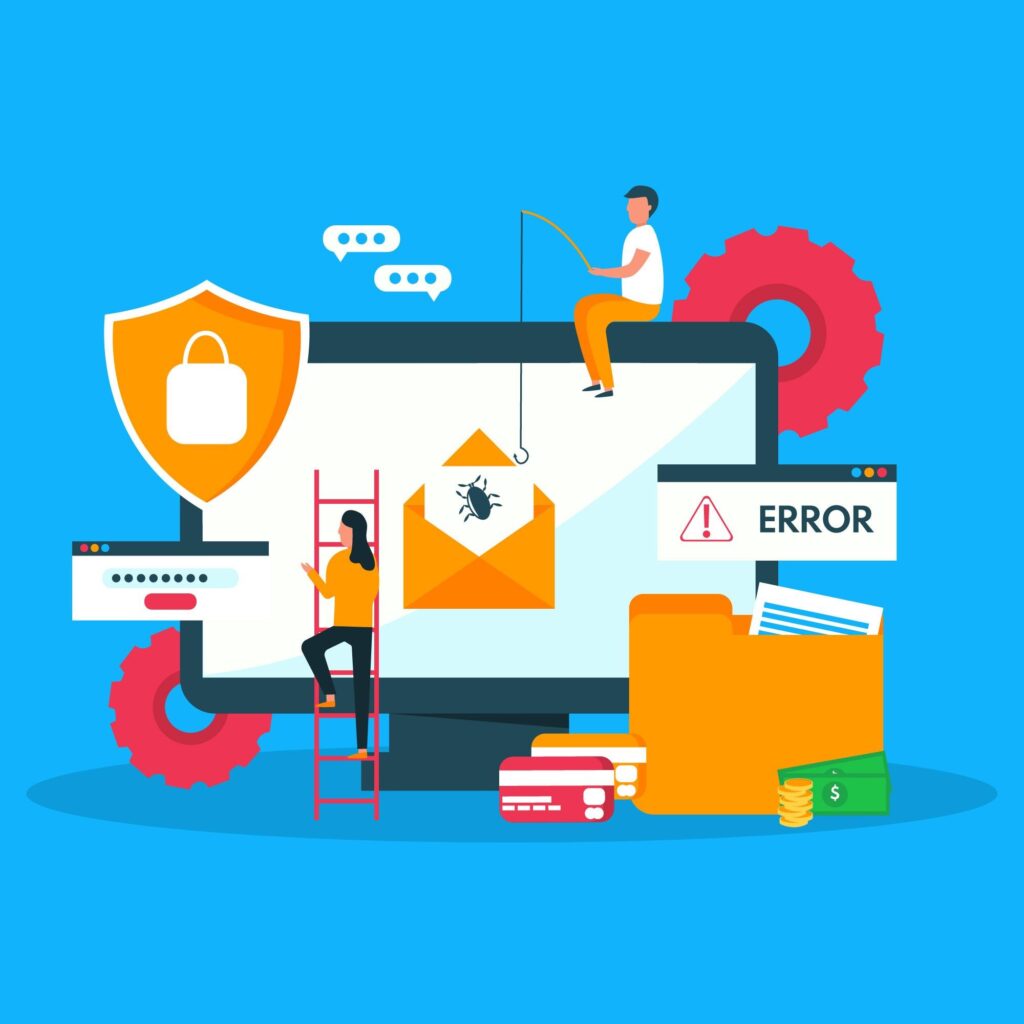
Here is a checklist of the essential points to consider:
✅ Always validate and sanitise user input to prevent injection attacks, such as SQL injection and Cross-Site Scripting (XSS). Avoid using user input directly in queries without proper sanitisation.
✅ Utilise Apple’s recommended and secure APIs for handling sensitive data, cryptography, and authentication. Avoid custom implementations when secure built-in APIs are available.
✅ Implement secure session management, ensuring that user sessions are properly initiated, maintained, and terminated to prevent unauthorised access.
✅ Refrain from hardcoding sensitive information like API keys, passwords, or encryption keys directly into the source code. Use secure storage mechanisms like the iOS Keychain to store such secrets.
✅ Ensure that data received from untrusted sources is validated and sanitised to prevent data manipulation injection attacks.
✅ Encrypt sensitive data both at rest and in transit. Use Apple’s encryption libraries and follow best practices for implementing encryption in your app.
✅ Ensure that your app uses secure protocols for network communication, such as HTTPS. Perform certificate pinning to validate server certificates and prevent man-in-the-middle attacks.
✅ Stay current with iOS updates, security patches, and third-party libraries used in your app. Vulnerabilities are often discovered, and timely updates are essential to maintain security.
✅ Implement proper error handling to prevent the disclosure of sensitive information through error messages. Be careful not to expose stack traces or internal system details to users.
✅ Keep third-party libraries and components up to date, as they may have their own vulnerabilities. Use reputable sources and review their security history.
4.
Conduct penetration testing and security audits
Security audits and penetration testing are key parts of a strong iOS security strategy. They help identify and fix vulnerabilities before they become serious issues.
Security audits involve a detailed review of your app’s code, design, and configurations. This process helps uncover weaknesses and maintain a strong security posture.
Regular audits allow teams to stay proactive. They make it easier to address emerging threats early.

5.
Secure data storage on the client-side
Client-side data storage is a key part of iOS application security. It helps protect sensitive information such as user credentials, encryption keys, and cached data.
Using the iOS file system securely is essential. Proper storage practices reduce the risk of data exposure.
Store sensitive information in the iOS Keychain. It provides a secure environment for protecting critical data.
As highlighted by ComputingForGeeks, encrypting all sensitive data stored on the device and using the Keychain are fundamental steps in protecting user information.

Encrypt all sensitive data stored on the device. This adds an extra layer of protection against unauthorised access.
Apply data separation techniques to isolate user data from application data. This reduces the risk of data leakage.
Following these best practices strengthens your app’s security. It also improves user trust and protects privacy.
6.
Protection against data leaks
Data leaks can occur due to vulnerabilities in code or design. These issues may expose sensitive information to unauthorised access.
To prevent this, use both proactive and reactive security measures. A balanced approach helps reduce risks effectively.
Regular security audits and penetration testing are essential. They help identify and fix vulnerabilities early.
As per GetAstra’s mobile app security best practices, regular testing helps detect and resolve issues before they are exploited. This improves your app’s overall security posture.
Use data masking when displaying sensitive information. This limits exposure and protects user privacy.
Conduct regular code reviews and audits. These practices help detect and fix potential data leakage issues.
Implement monitoring and alert systems. They help identify unusual data access patterns or unauthorised attempts.
Have a clear data leakage detection and response mechanism in place. This ensures quick action when issues arise.
In case of a data leak, follow a well-defined incident response plan. This helps contain the breach and reduce damage.
Taking a comprehensive approach to data leak prevention strengthens security. It also helps maintain user trust and credibility.
How can you guarantee the security of your application from the backend?
At this point, you should have a well-defined understanding of the critical areas that demand your attention in ensuring the security of your iOS application and how to fortify it. As your next priority, you need to ensure that your application doesn’t carry any sort of loop holes from backend side as well.
If you have built your application’s backend using Ruby on Rails or Laravel check out these articles on how you can validate the security of your Ruby on Rails application or Is your Laravel application secure, for more insights.
Still unsure about your next step? Feel free to reach out to our team.