Most teams start a RAG project by evaluating vector databases. They compare embedding models, read benchmarks, set up a LangChain prototype, and have something running against a handful of test documents within a week. That week goes well. The problems arrive three months later, after the index has grown to thousands of documents, after real users have started asking real questions, and after it becomes clear that the retrieval results are inconsistent in ways that feel impossible to debug. The model is the same. The architecture is the same. But the system is returning answers nobody trusts.
The diagnosis in the vast majority of these cases is not a retrieval architecture problem. It is a data preparation problem that was skipped at the start and that no amount of model tuning can fix after the fact. This article is about what that preparation actually involves, written for founders and technical leads who have decided to build a RAG feature and want to understand what needs to happen to the data before a single document gets indexed.
Why data preparation determines RAG quality more than the model does
Over 80% of enterprise data exists in unstructured form – documents, emails, chat logs, PDFs, support tickets, wiki pages. Grand View Research’s analysis of the RAG market attributes the surge in enterprise RAG adoption directly to this proliferation of unstructured data, with the market projected to grow at a 49.1% CAGR through 2030 but what that figure obscures is how much preparation work sits between raw unstructured content and a knowledge base that actually retrieves well.
A RAG system can only return what the retrieval layer can find, and the retrieval layer can only find what was correctly parsed, structured, chunked, and tagged during ingestion. When preparation is skipped or rushed, every problem that appears later in production traces back to the same root – the knowledge base contains content that looks like the right answer but isn’t clean enough, specific enough, or current enough to serve as a reliable source. Improving the embedding model at that point is like upgrading a search engine against a poorly organised filing cabinet. The search gets faster. It does not get more accurate.
A study cited in clinical NLP research found that adaptive chunking achieved 87% retrieval accuracy on the same dataset where fixed-size chunking achieved 13%. The content was identical. The preparation approach changed everything.
Step 1 - Define the scope of your corpus before you index anything
The most common mistake in data preparation is also the most intuitive one – indexing everything. If your company has a Confluence wiki, a SharePoint drive, five years of support tickets, product documentation, and a shared Google Drive, the temptation is to connect all of it. The result is a knowledge base that knows approximately everything and retrieves approximately nothing useful, because the index is filled with irrelevant, contradictory, and outdated material that competes with the correct answer for every query.

The better approach is to start with a question – what are the twenty to thirty most common questions this system needs to answer well? That list defines the minimum viable corpus. Enterprise RAG practitioners consistently find that ten to twenty percent of a company’s document corpus drives eighty percent of the queries a system actually receives. Start with that slice. Index it thoroughly. Get it right. Expand from there once the core retrieval is reliable.
Scope also means being deliberate about what to exclude. Drafts, superseded versions, meeting notes without action items, and informal Slack exports all degrade retrieval quality by adding noise the model has to compete with. A focused corpus of two hundred curated documents will outperform a sprawling corpus of five thousand uncurated ones in almost every real-world evaluation.
Step 2 - Normalise your formats and fix your parsing problems early
Documents come in formats that vary enormously in how well they can be parsed. A PDF with selectable text parses cleanly. A scanned PDF without OCR produces garbage that no embedding model can work with. A Word document with complex nested tables produces unpredictable output depending on the parser. A Confluence page with inline comments and revision history produces a chunk with three different versions of the same sentence in the same passage.

Format normalisation means converting every source document to a clean, machine-readable text representation before it enters the pipeline. This is not glamorous work, but it is the work where most retrieval problems are created or prevented. Parsing quality is a critical part of the ingestion process. If a parser misorders text or drops table cells, the downstream chunker and embedding model faithfully encode that incorrect structure. The error then propagates silently through the entire retrieval pipeline.
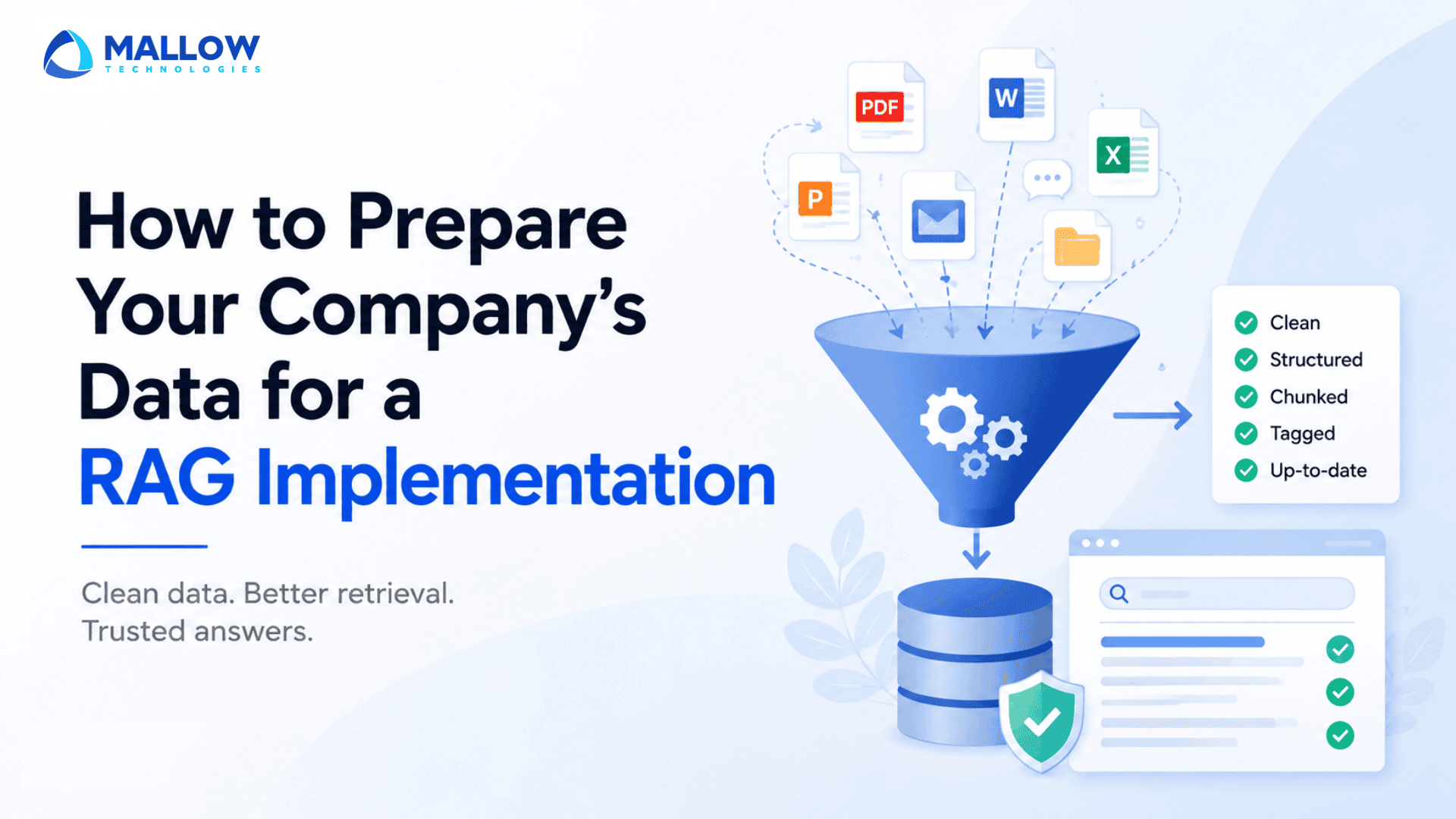
Practical normalisation work for a typical SaaS knowledge base includes – converting scanned PDFs to selectable text with OCR, stripping boilerplate such as headers, footers, navigation bars, and signature blocks, preserving structural signals such as headings, numbered lists, and table structure rather than flattening everything to plain paragraphs, and removing or archiving document versions that are no longer current before a single one gets indexed.
Tables deserve specific attention. A pricing table, a feature comparison matrix, or a policy clause grid contains dense factual relationships between rows and columns that plain-text flattening destroys. A retriever can return the right table and the model can still answer incorrectly because the row-column relationship was lost during parsing. Tables should either be preserved with their structure intact or converted to a format that preserves their semantics explicitly.
Step 3 - Design your metadata schema before ingestion begins
Metadata is how your retrieval system makes decisions beyond semantic similarity. Without it, every document in your index competes on content alone, regardless of whether it is current, authoritative, relevant to this user’s context, or appropriate for this user’s access level.

A metadata schema should be designed before ingestion begins, not added retrospectively, because retrofitting metadata to an existing index is significantly more expensive than building it in from the start. At a minimum, the schema should capture – document type (policy, product documentation, support resolution, runbook), owner or authoring team, last-updated date, product version or feature the document relates to, and access level or audience (internal, customer-facing, specific role).
The last-updated date is the single most important metadata field for most production RAG systems, because it enables the retrieval pipeline to deprioritise stale documents at query time rather than serving them with the same confidence as current ones. A pricing document from eight months ago and a current one share nearly identical semantic content if the product name and structure haven’t changed. Without a freshness signal in the metadata, the retriever cannot distinguish them.
Metadata also enables filtering – the ability to restrict retrieval to documents from a specific product area, a specific time range, or a specific access tier before semantic similarity search runs. This dramatically reduces the noise in retrieval results and is one of the most effective improvements a team can make to a production RAG system without touching the model layer at all.
Step 4 - Assign ownership for every document in the corpus
This is the step most technical teams skip, and it is the one that causes the most pain six months after launch. A knowledge base that nobody is accountable for maintaining degrades from the day it goes live. Documents become stale. New features ship without corresponding knowledge base updates. Deprecated policies remain indexed alongside current ones. The system confidently retrieves outdated content and the retrieval quality score, which looked excellent at launch, quietly drifts downward as the world changes and the index doesn’t.
Ownership means – someone specific is accountable for keeping a defined set of documents current. Not “the team,” and not “whoever notices it’s wrong.” A named person who receives an alert when a document has not been reviewed within a defined period, who is part of the release process for any product change that affects their assigned documents, and who is responsible for removing or archiving content that is no longer accurate.
This is an organisational problem, not a technical one. It cannot be solved with a better embedding model. But it can be designed for before the knowledge base is built, by defining ownership as part of the corpus setup rather than treating it as a maintenance task to figure out later.
Step 5 - Test retrieval on a representative slice before indexing everything
Before ingesting your full corpus, index a representative subset of fifty to one hundred documents and run it against a test set of twenty to thirty real questions your system needs to answer. This is the step that reveals whether your parsing was clean, whether your chunking is preserving context correctly, and whether your metadata filtering is working the way you expect.
The test set should not be questions you invented in a meeting. It should be questions real users or team members actually ask, because the gap between the questions a team expects and the questions users actually ask is one of the most consistent sources of production RAG failure. Use actual support tickets, search logs, internal Slack questions, or questions your sales team hears in demos.
For each test question, look at three things – did the retriever return a chunk that contains the actual answer; is the chunk clean enough for the model to use correctly; and does the retrieved source match what a human would cite if answering the same question manually. Any answer that fails any of those three checks points to a specific preparation gap you can fix before the full corpus goes live.
This test-on-a-slice practice is also what keeps the project manageable. Building the full knowledge base and then discovering a systematic chunking problem means re-ingesting everything. Discovering it on fifty documents means fixing the ingestion script once and proceeding.
The maintenance question nobody asks during the build
One question worth asking before the build is complete – how will this knowledge base stay current after launch?

If your product releases features quarterly, your documentation needs to be updated quarterly. If your pricing changes, the pricing document in the index needs to reflect that change before the next user queries it. If a support team resolves a new class of issue that isn’t covered yet, that resolution needs to make it into the corpus in a timely way.
TechTarget’s guidance on RAG data pipelines notes that keeping data up to date is one of the most underestimated operational requirements in production RAG and that teams who treat the knowledge base as a static artifact at launch consistently find themselves rebuilding it within a year. The most effective approach is to connect document updates to an indexing trigger – when a specific document is revised, the updated version is re-parsed and re-indexed automatically, and the previous version is retired. That architecture requires thinking about document identity and lifecycle from the start, not after the fact.
Ready to build your RAG implementation on the right foundation?
The teams that build RAG systems that work in production are not the ones with the most sophisticated embedding models. They are the ones that spend time on the unglamorous work before the first document is indexed – deciding what belongs in the corpus, fixing the parsing, designing the metadata, assigning ownership, and testing on a representative slice. That work is not a one-time project. It is an ongoing operational discipline that determines whether the system remains accurate six months after launch or quietly drifts toward a knowledge base that nobody trusts.
If your team is planning a RAG implementation and wants to ensure your data is prepared for reliable retrieval from day one, book a call with our experts. We’ll help you assess your data readiness, identify potential gaps, and build a practical roadmap for a production-ready RAG implementation.
Your queries, our answers
Much less than most teams expect. A focused corpus of one hundred to two hundred well-prepared documents covering the most common queries often outperforms a corpus of thousands of poorly prepared ones. Quality and coverage of the right content matters far more than volume.
Not necessarily the same format, but every document needs to be in a format that can be parsed into clean, structured text. PDFs with selectable text, Markdown, and HTML all work well. Scanned PDFs without OCR, complex Excel files, and documents with heavy formatting often need preprocessing before they can be ingested cleanly.
Specific enough that a named person knows they are responsible. Assigning ownership at the team level tends to result in nobody taking responsibility. Assigning it to a named person, with a defined review cadence, is what actually keeps a knowledge base current in practice.
It depends on how frequently the underlying content changes. For product documentation tied to regular release cycles, refreshing on the same cadence as releases is a reasonable baseline. For pricing, policy, and compliance content, updates should trigger re-indexing within 24 hours.
The sources don't need to be consolidated into a single system before ingestion. Most ingestion pipelines can pull from multiple sources. What does need to be consistent is the metadata schema and the quality standard applied to content from each source. A document from Confluence and a document from Zendesk should both carry the same metadata fields and meet the same cleanliness standard before they enter the same index.
What happens after you fill-up the form?
Request a consultation
By completely filling out the form, you'll be able to book a meeting at a time that suits you. After booking the meeting, you'll receive two emails - a booking confirmation email and an email from the member of our team you'll be meeting that will help you prepare for the call.
Speak with our experts
During the consultation, we will listen to your questions and challenges, and provide personalised guidance and actionable recommendations to address your specific needs.

Author
SathishPrabhu
Sathish is an accomplished Project Manager at Mallow, leveraging his exceptional business analysis skills to drive success. With over 8 years of experience in the field, he brings a wealth of expertise to his role, consistently delivering outstanding results. Known for his meticulous attention to detail and strategic thinking, Sathish has successfully spearheaded numerous projects, ensuring timely completion and exceeding client expectations. Outside of work, he cherishes his time with family, often seen embarking on exciting travels together.